
A little more thought. For your Mac and iPhone.
A world of connections.Made simple.
Native, effortless connections. From your desk to your pocket.
Purpose-built for Apple M-series chips. Tuned for performance and efficiency.
Mac: Apple silicon / macOS 15+ · iPhone: requires iOS 26 or later · Bring your own nodes
Likes, ratings & anonymous comments ↓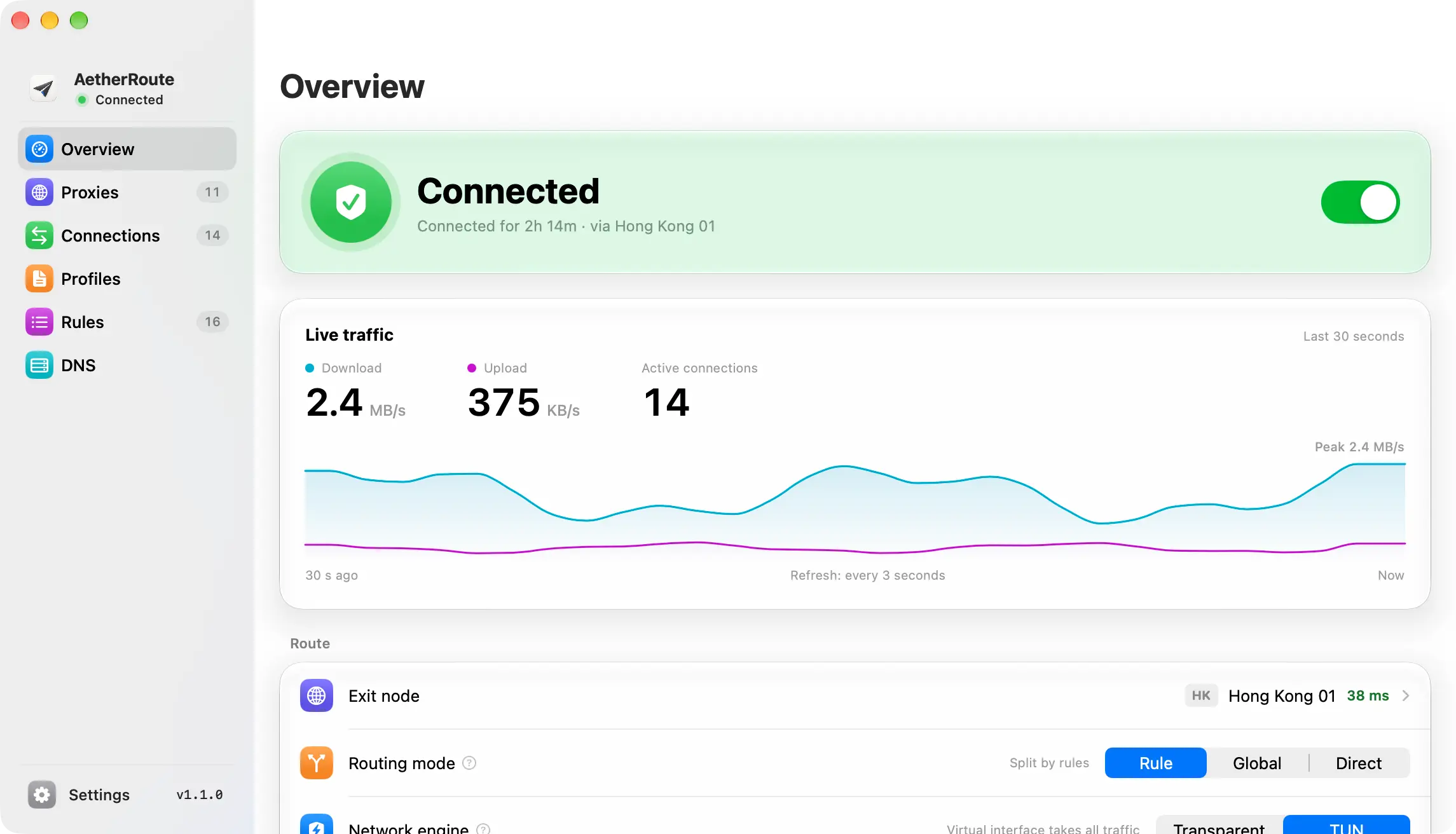
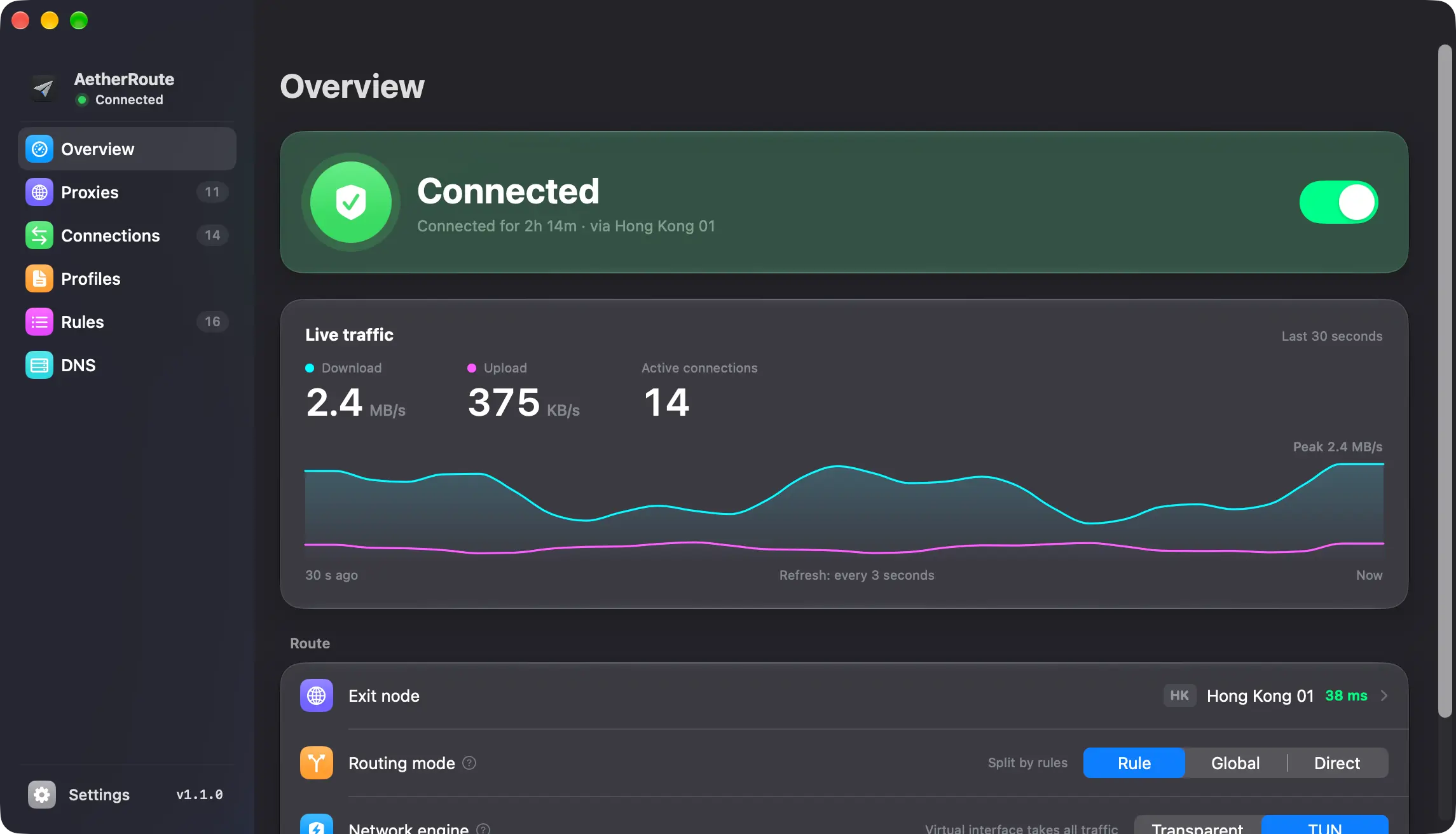
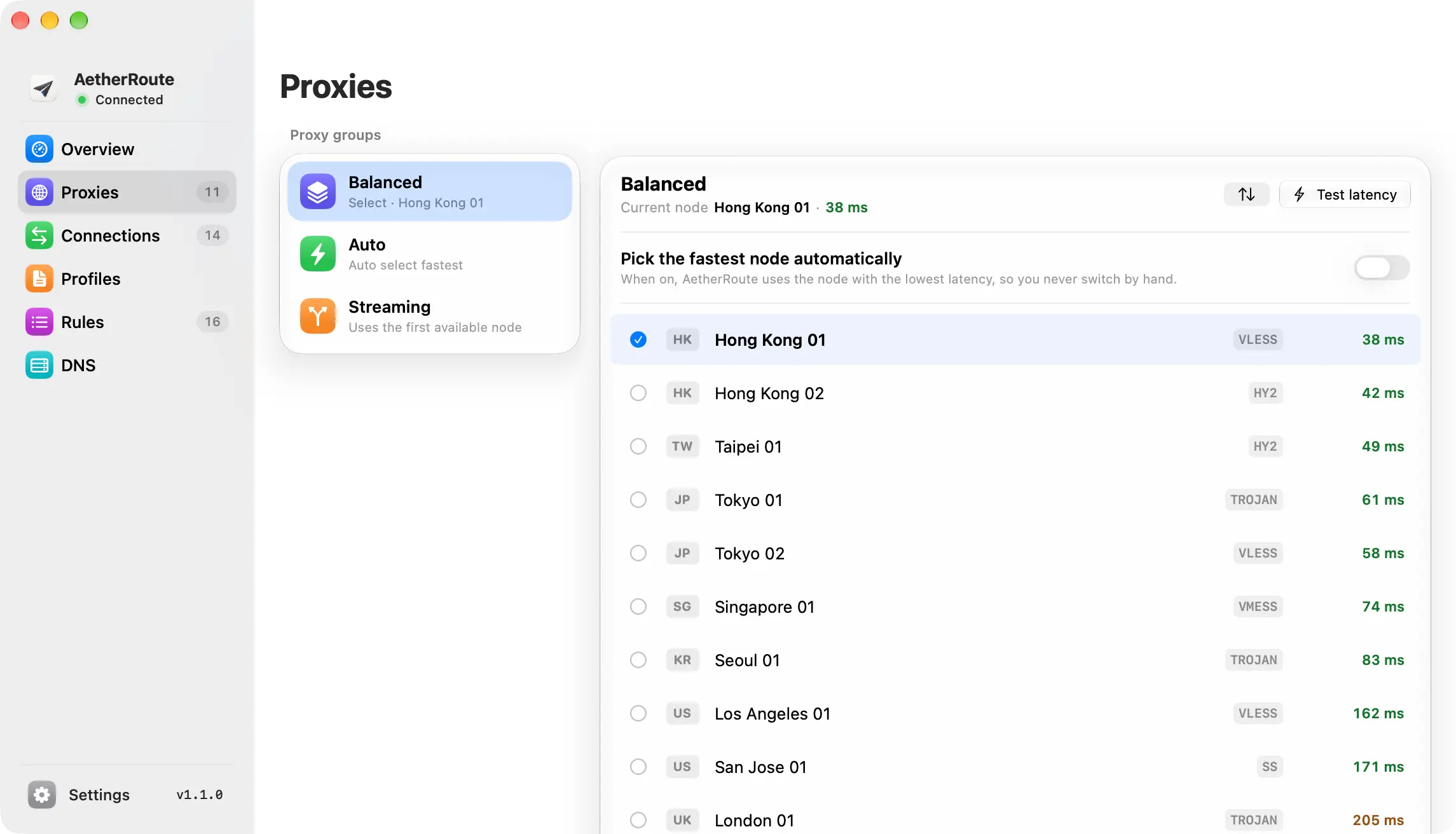
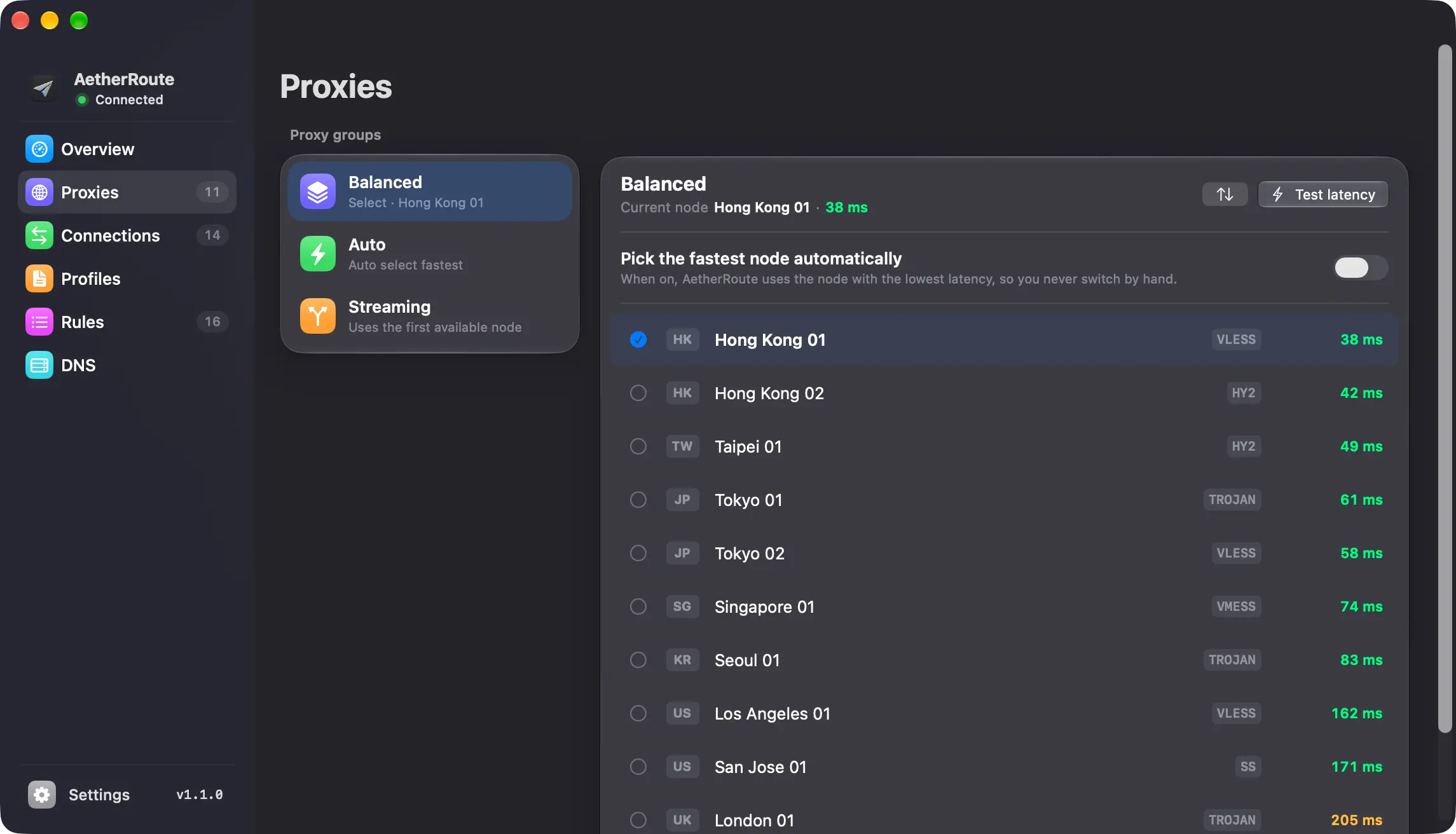
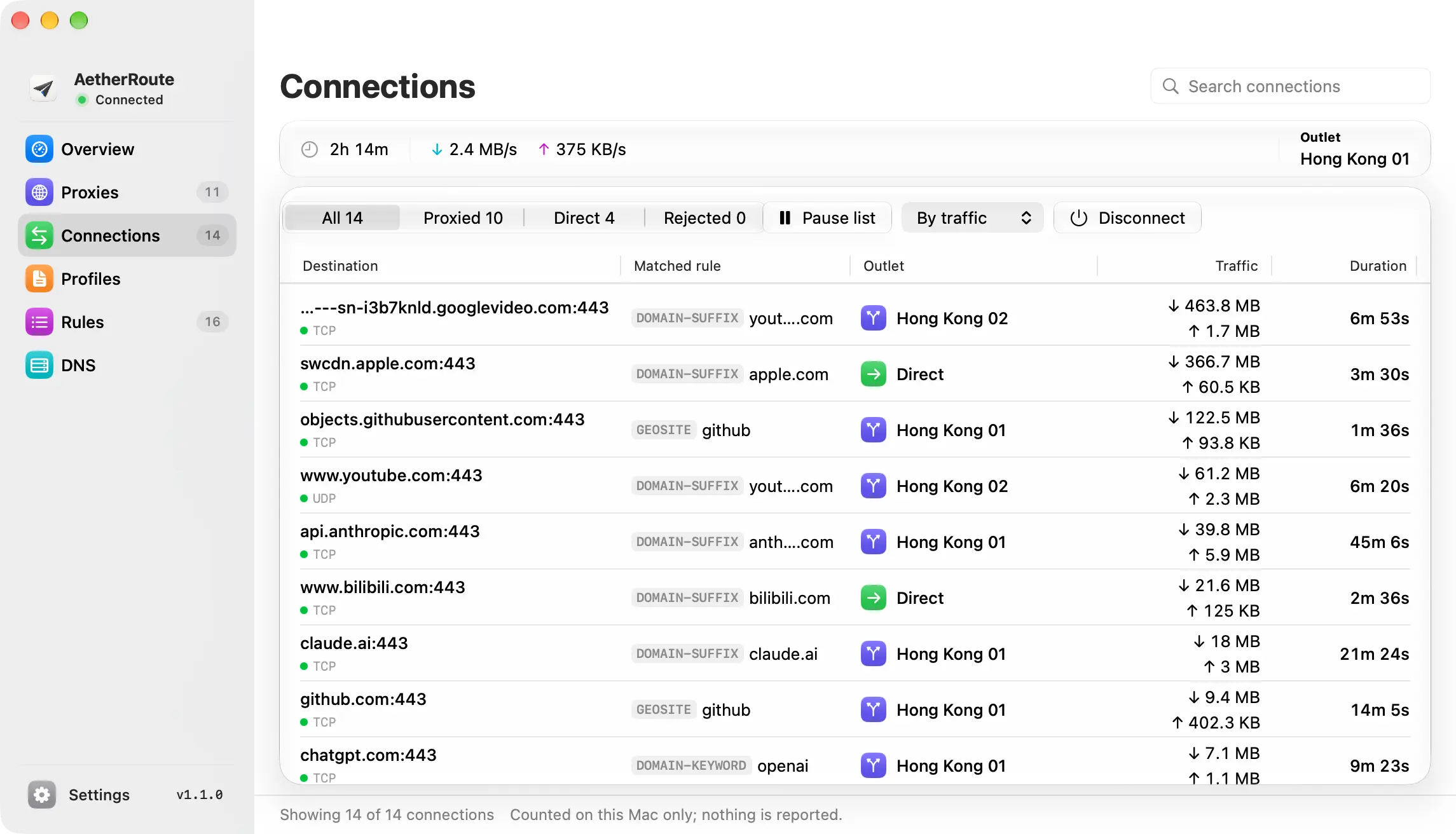
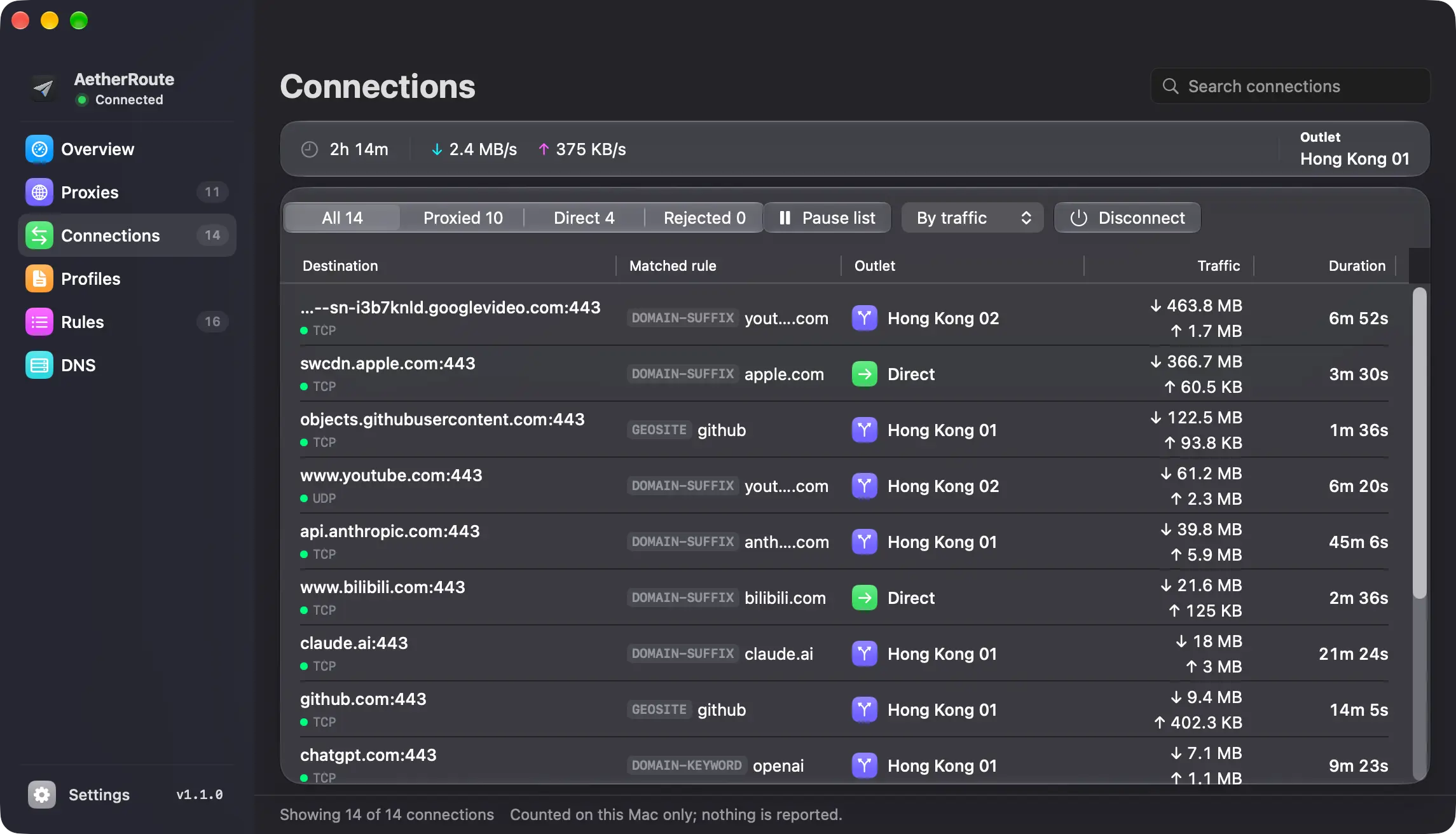
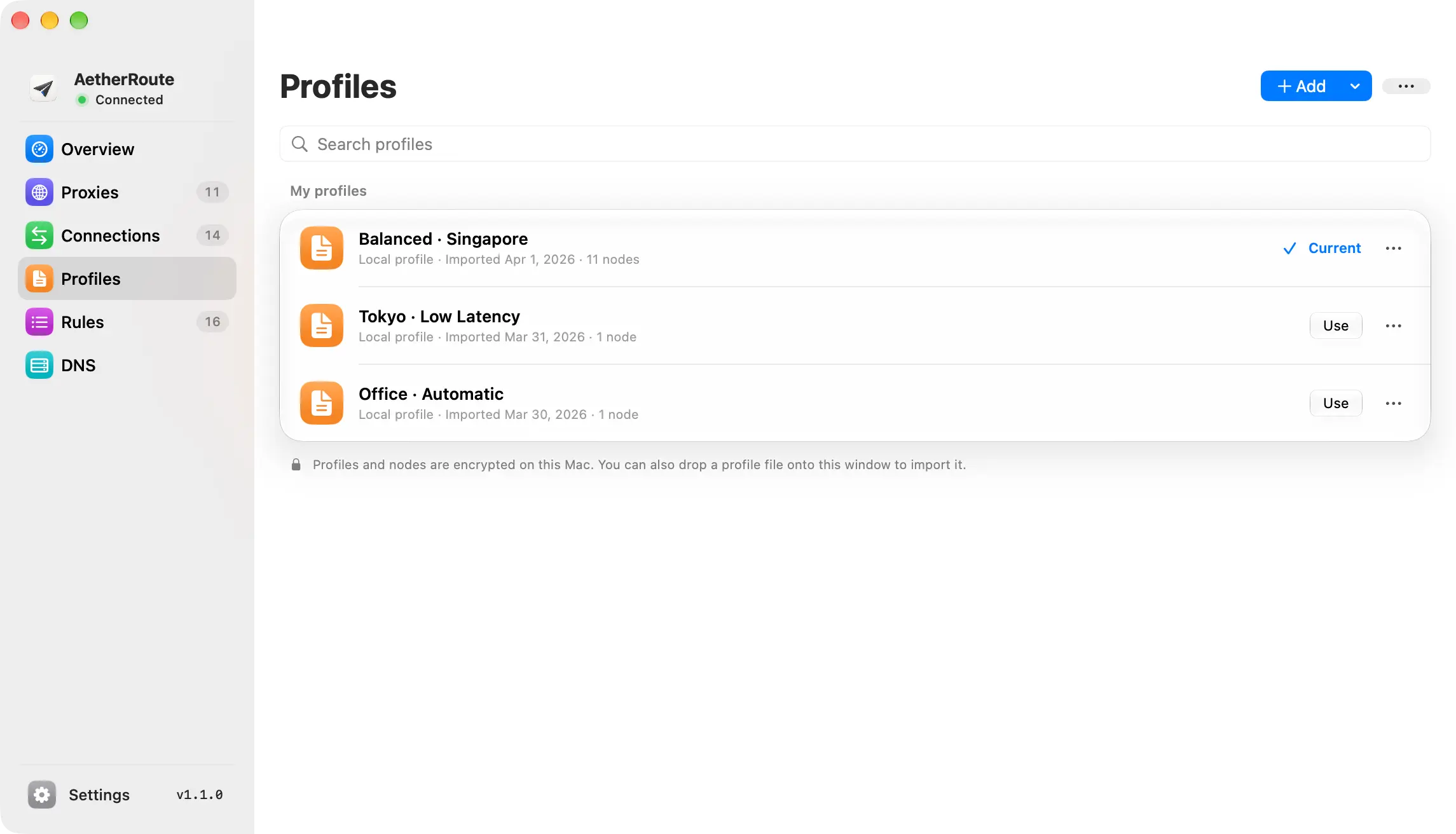
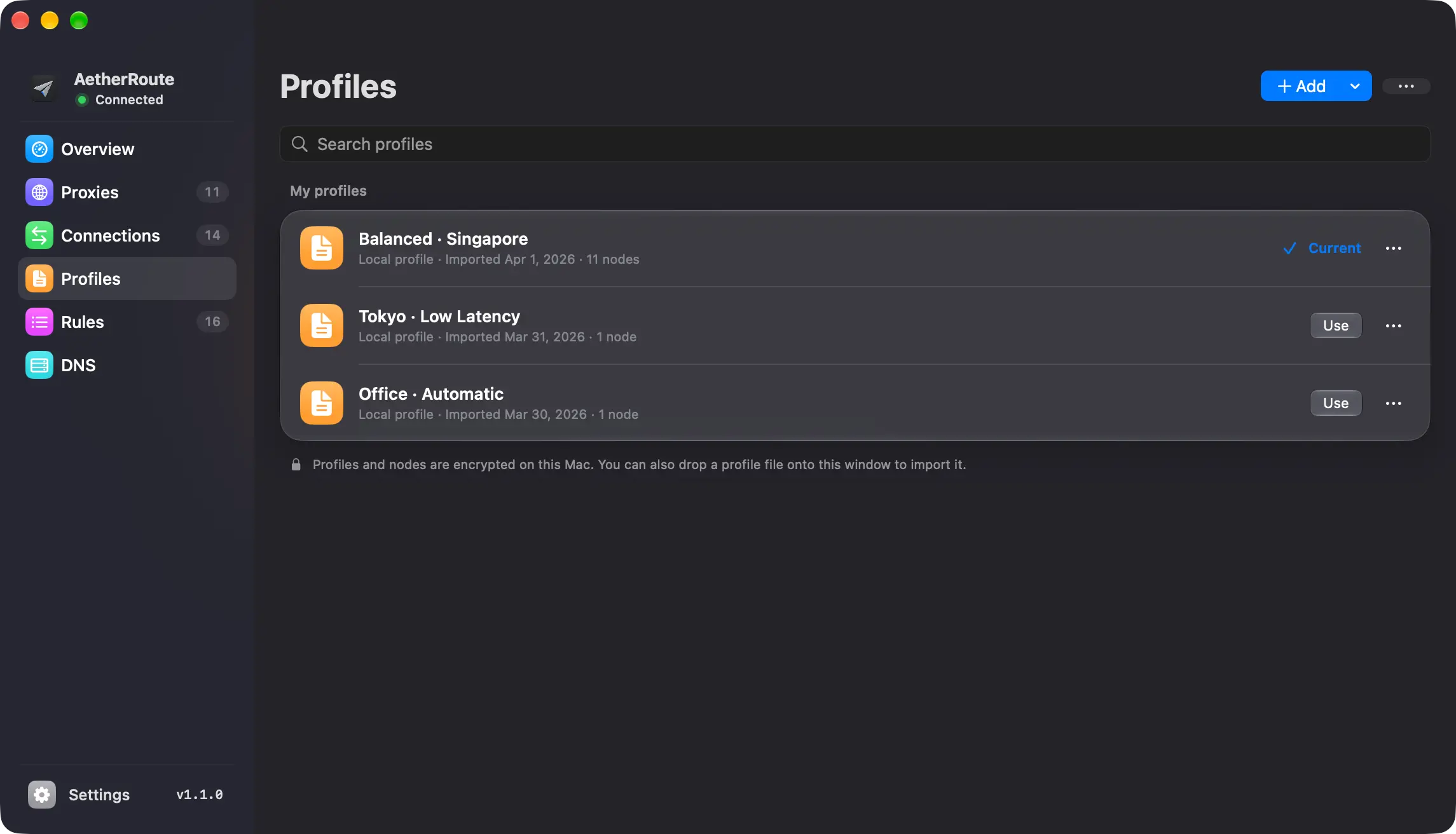
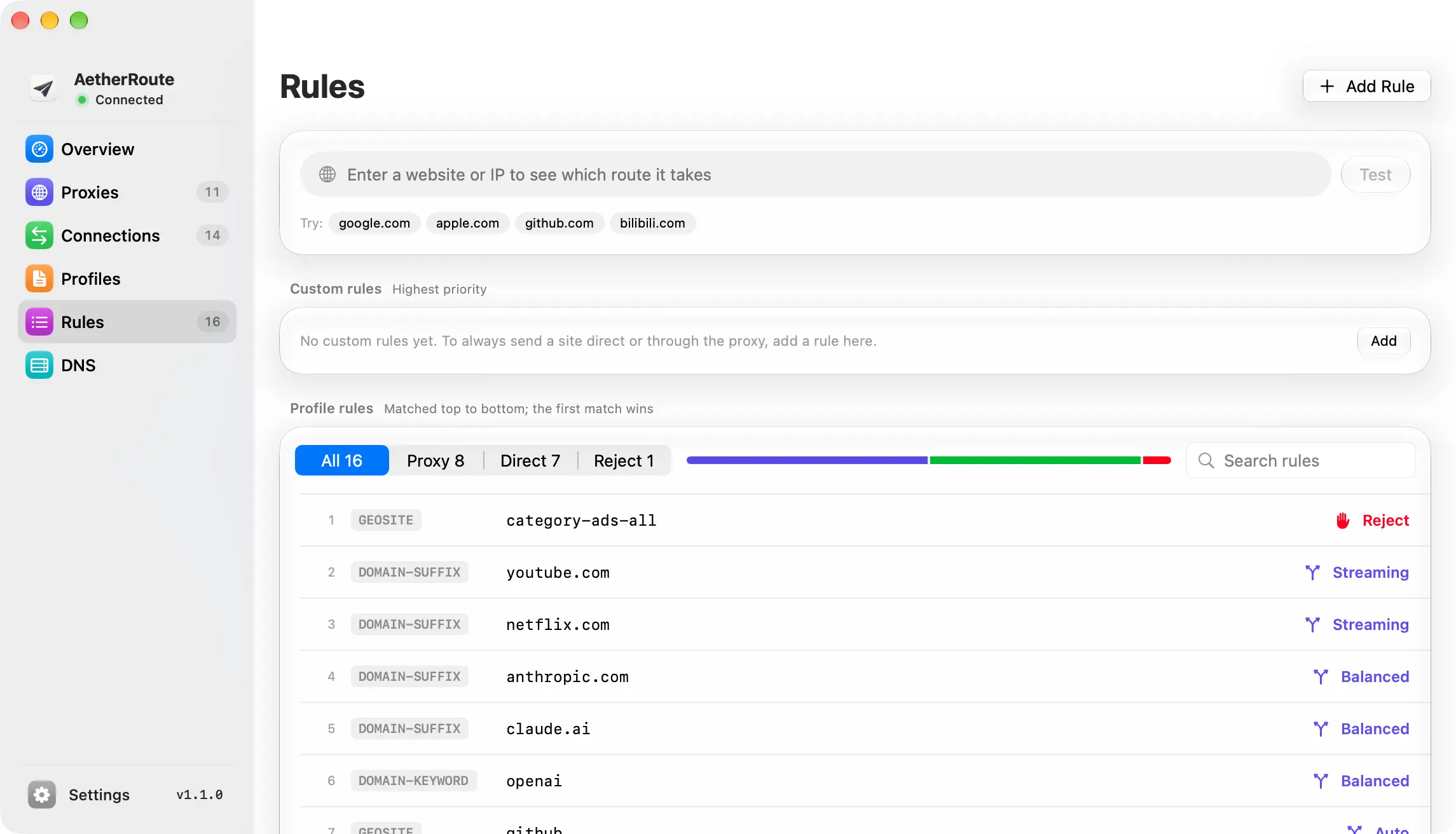
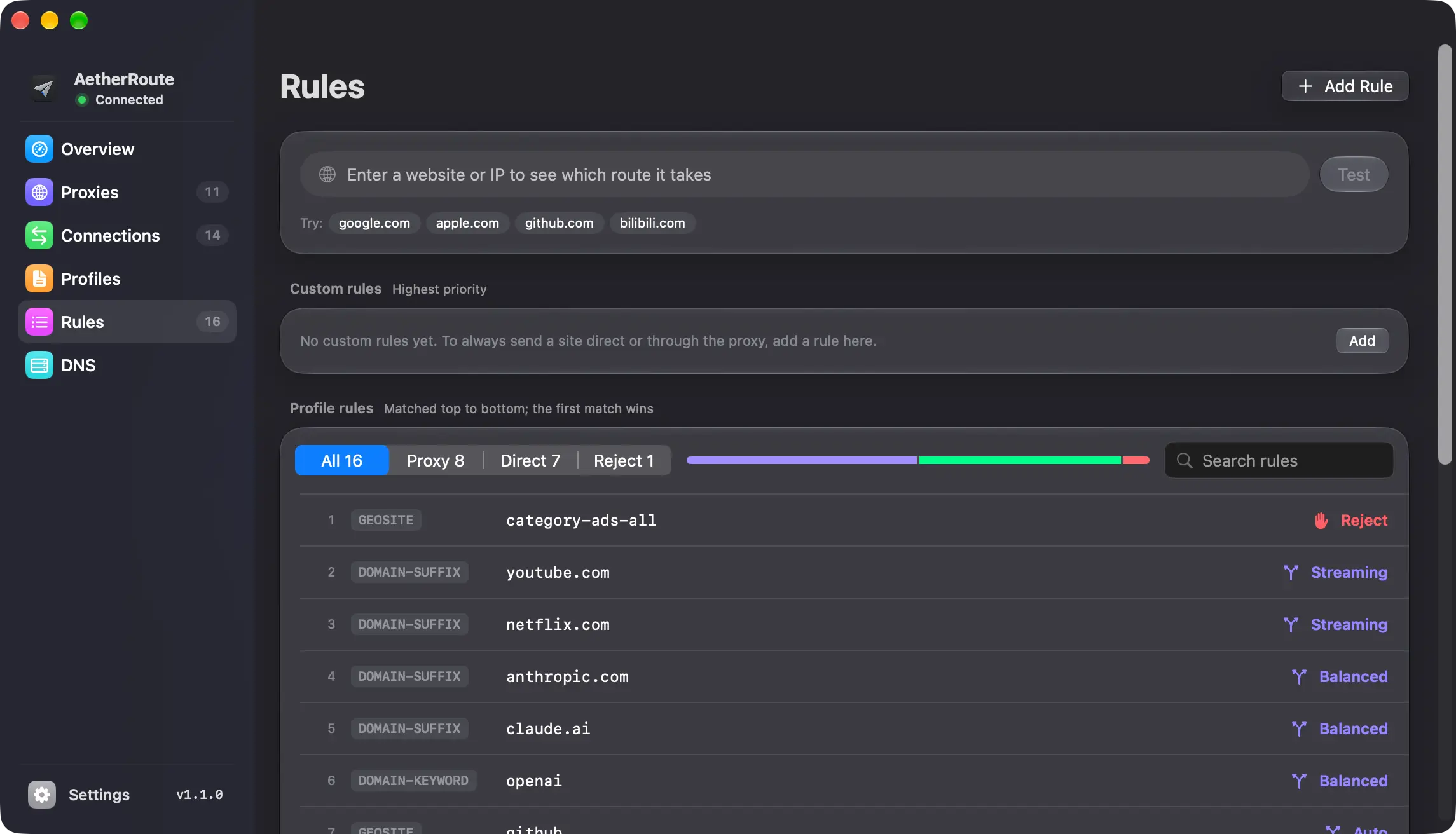
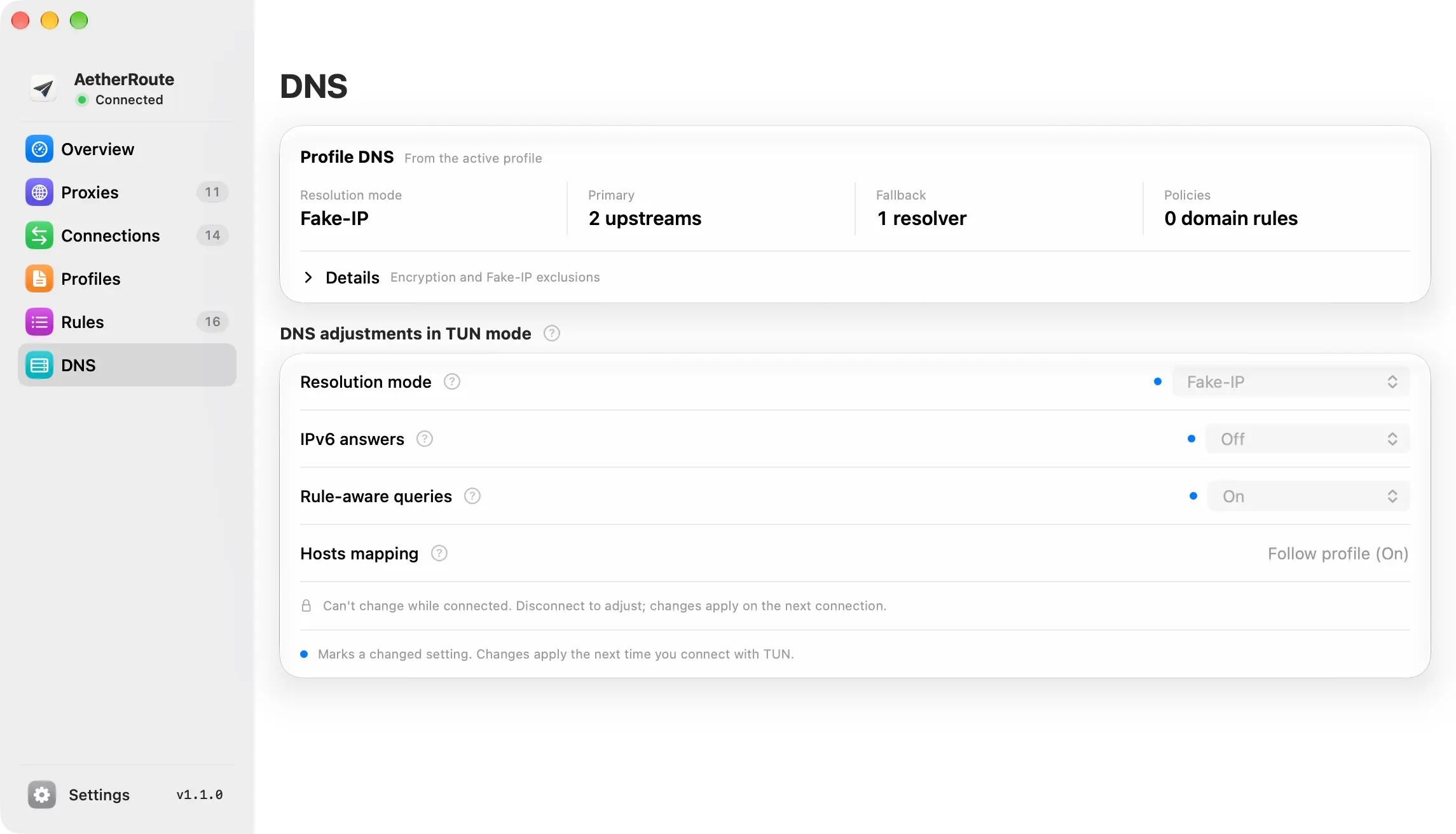
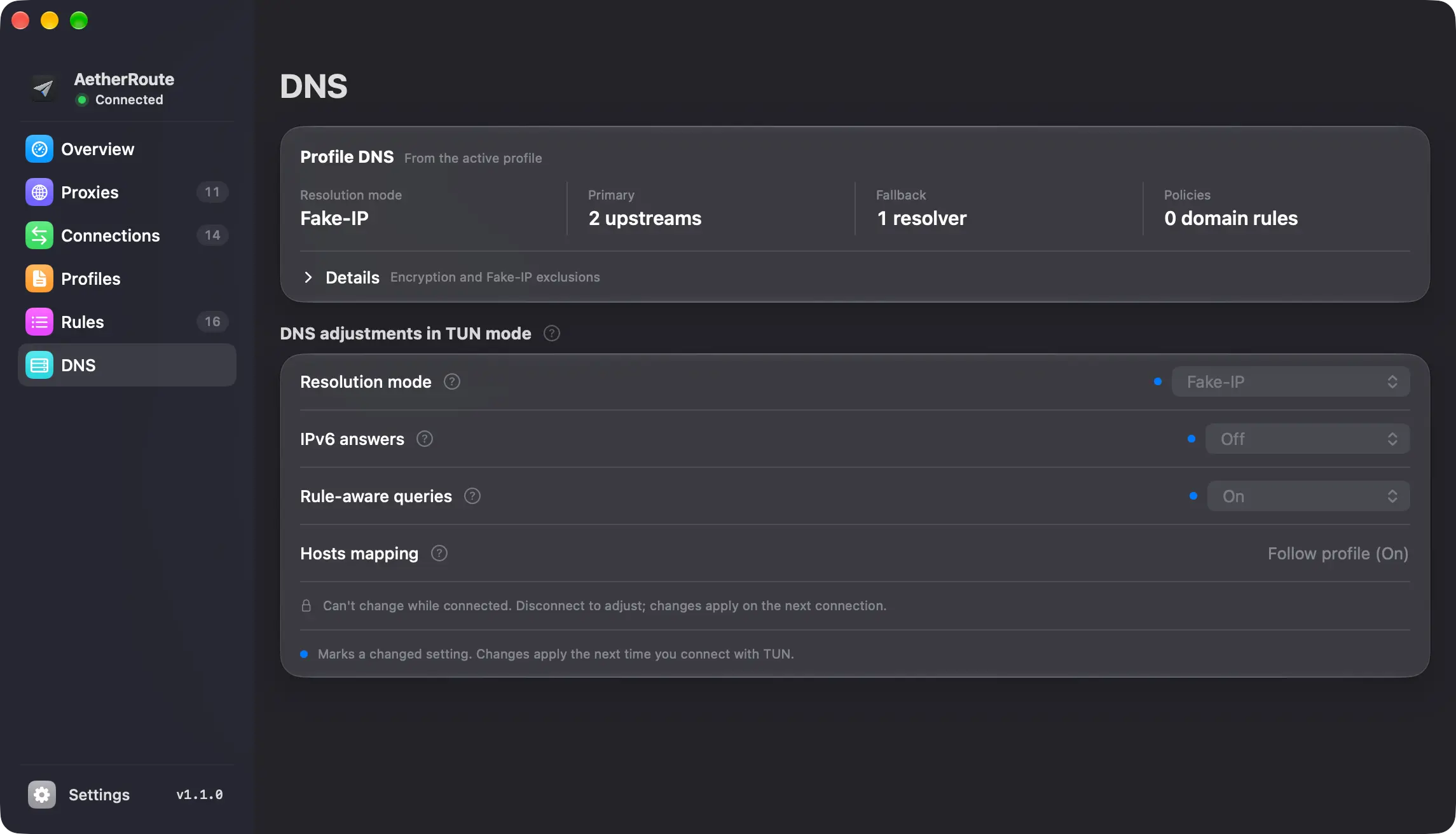
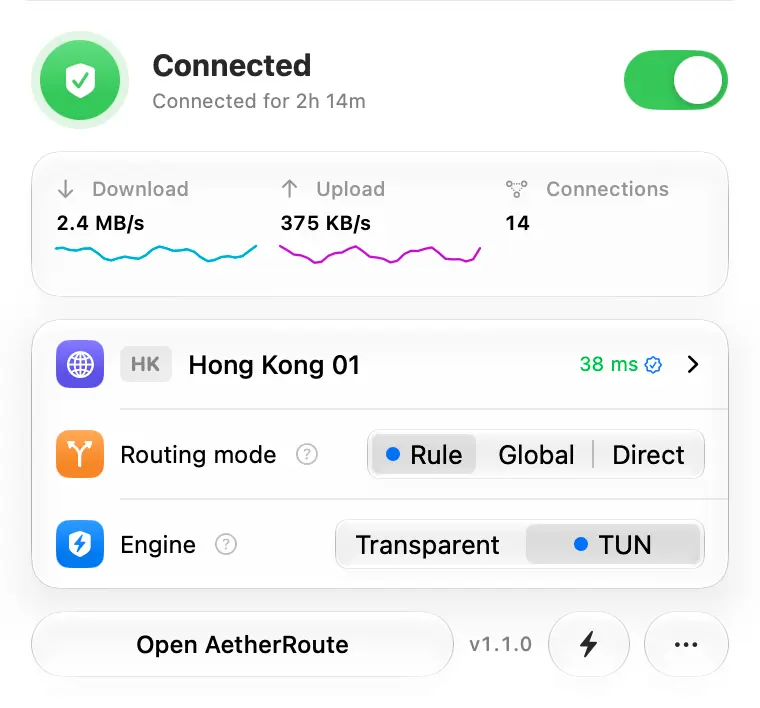
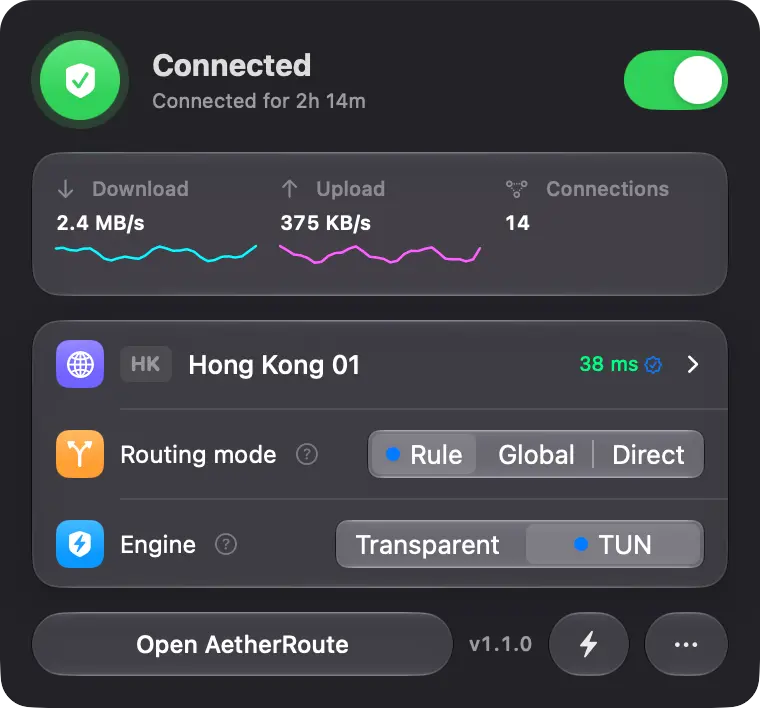
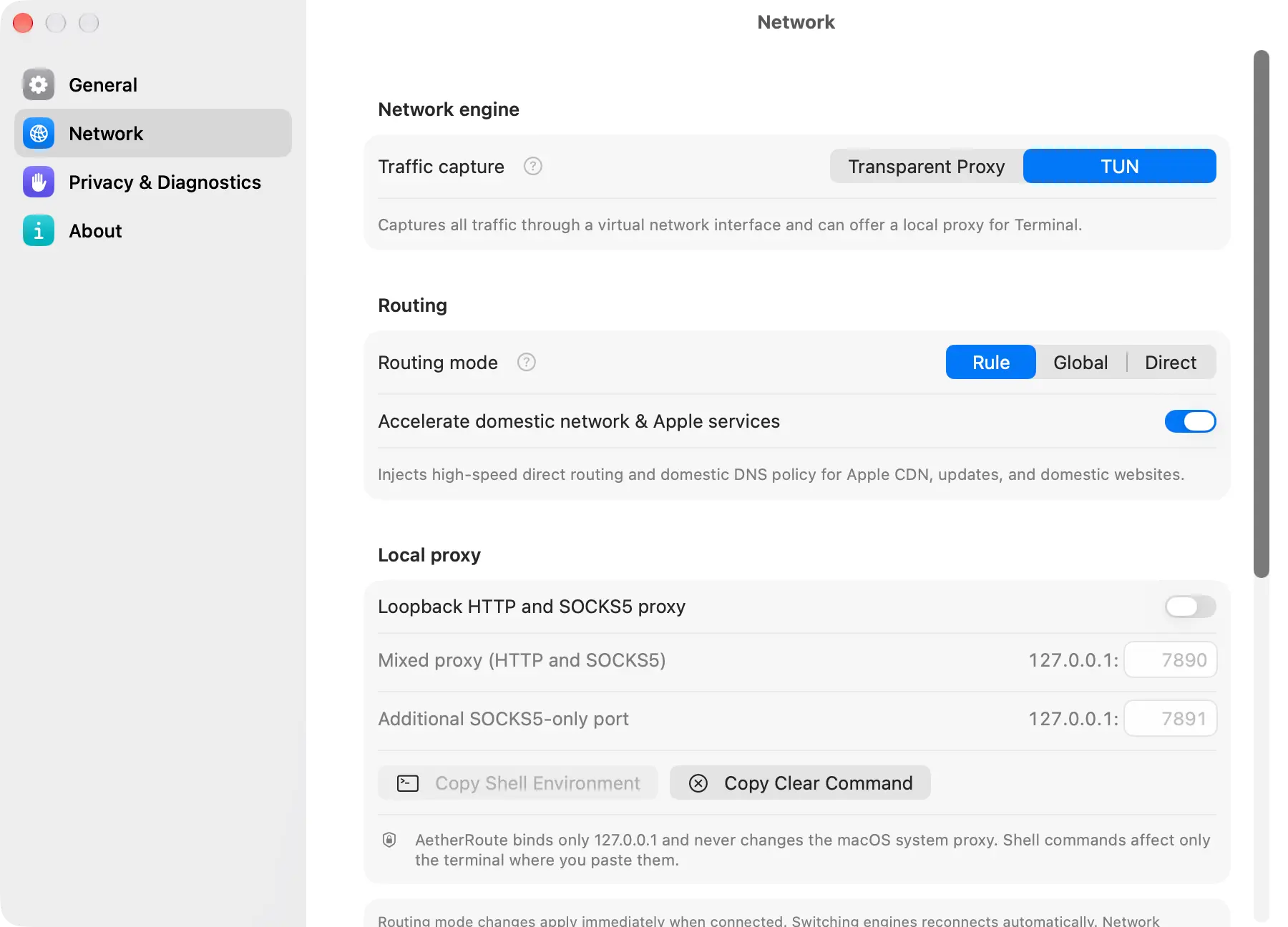
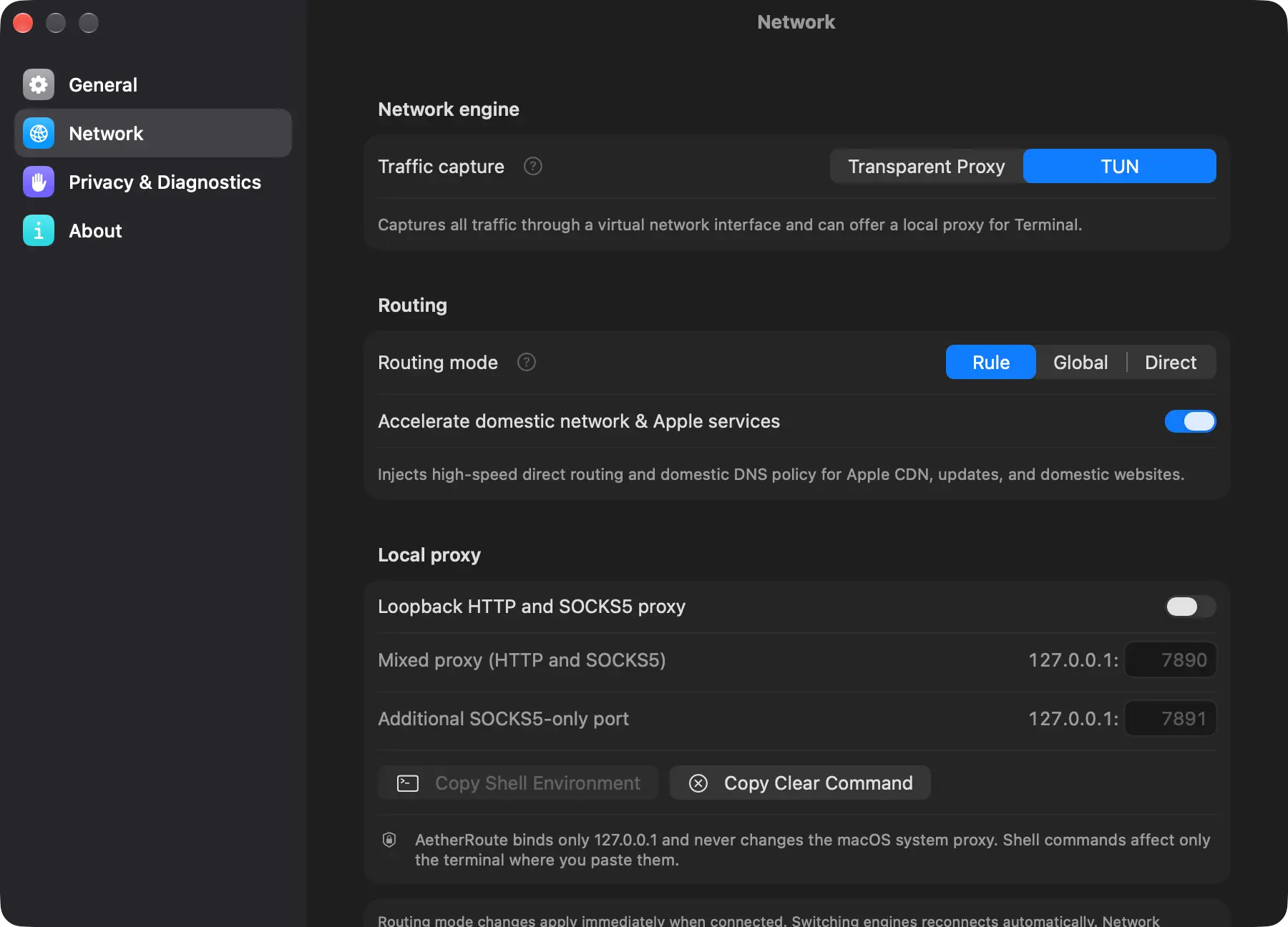
Familiar connections.
Coming to iPhone.
AetherRoute for iPhone is coming soon. Requires iOS 26 or later, with a native interface, responsive connections and profile sync with Mac. Some features are still being tested and refined before release.
Coming soon · Stay tuned
Requires iOS 26 or later. Earlier iOS versions are not supported.
iPhone 12 family and later, running a supported iOS version.
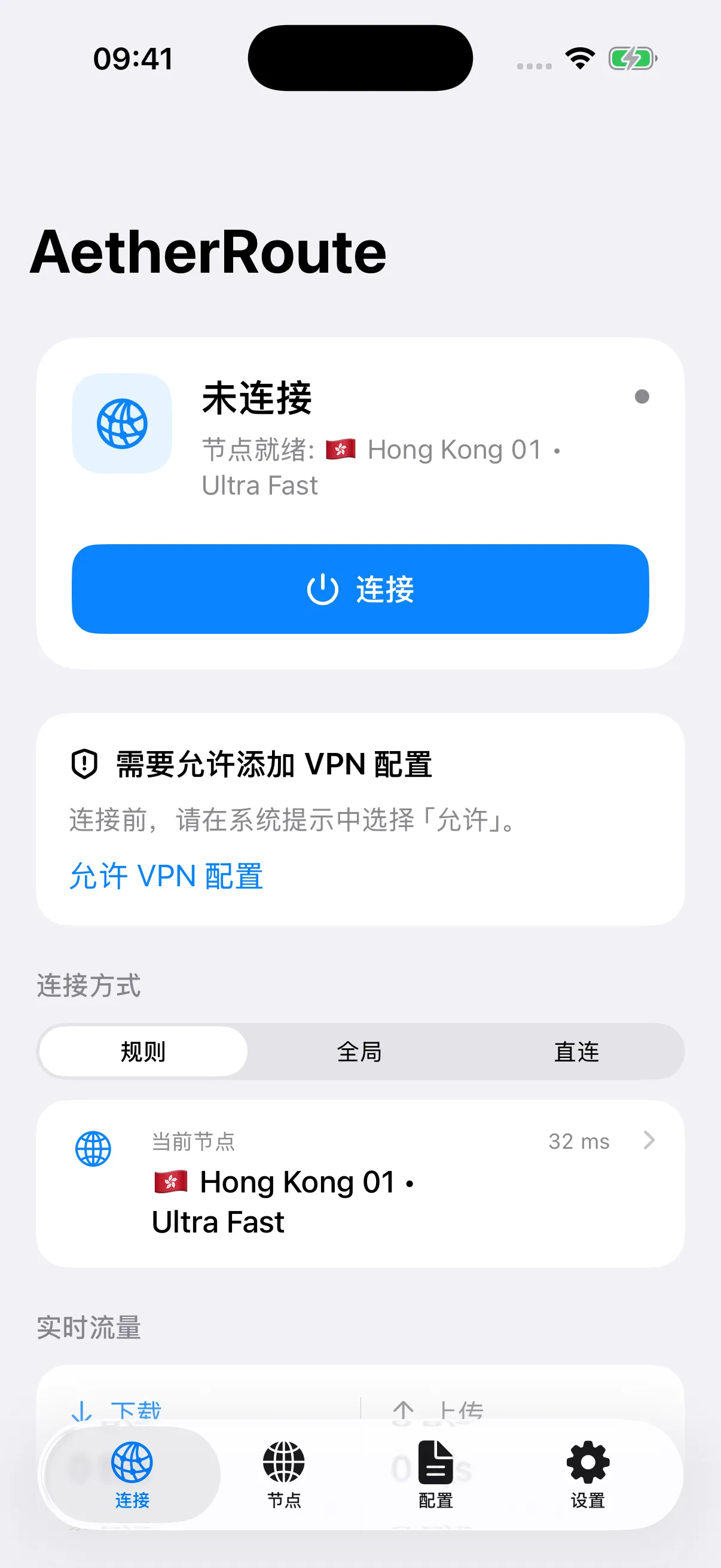
A first look · Features are in development and testing. Final availability will be confirmed at release.
Native to a new generation of iOS.
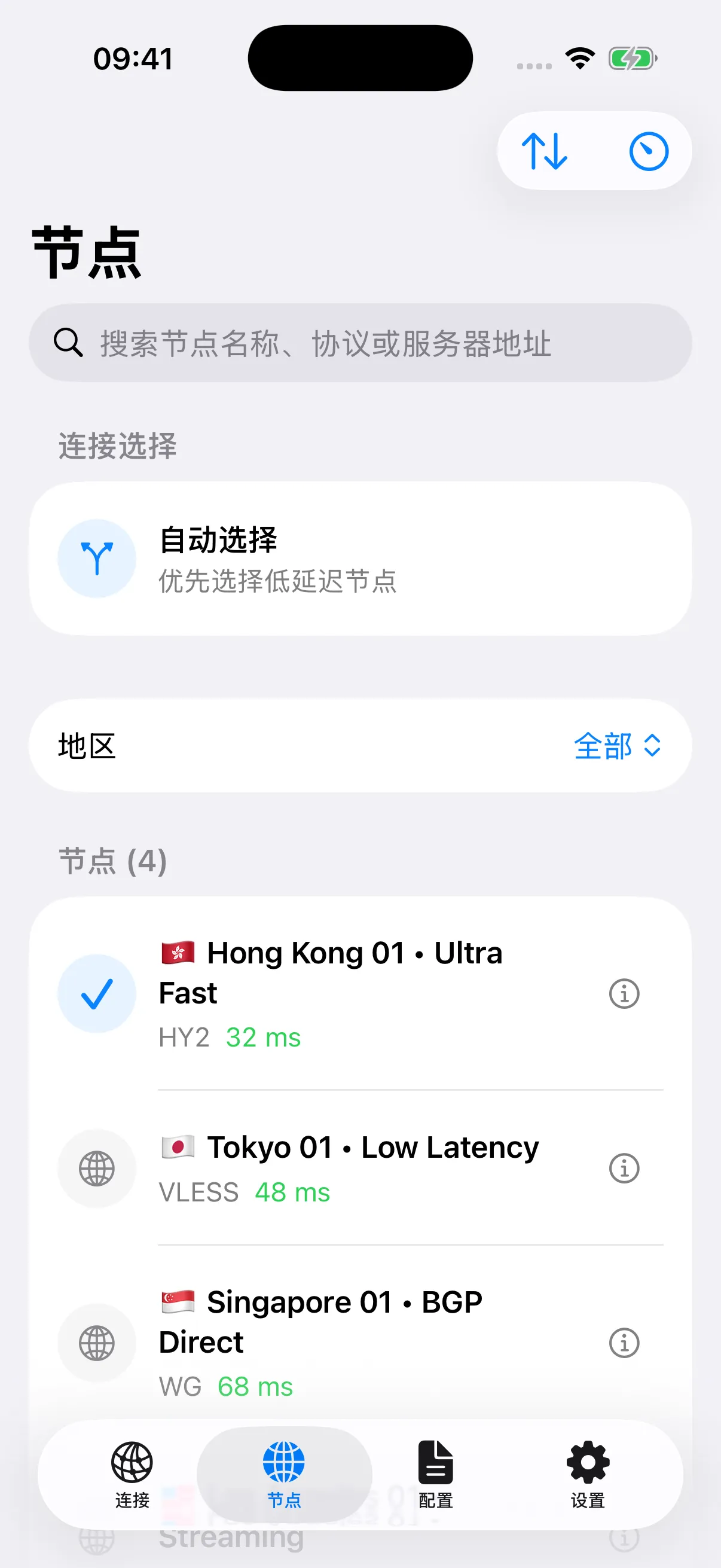
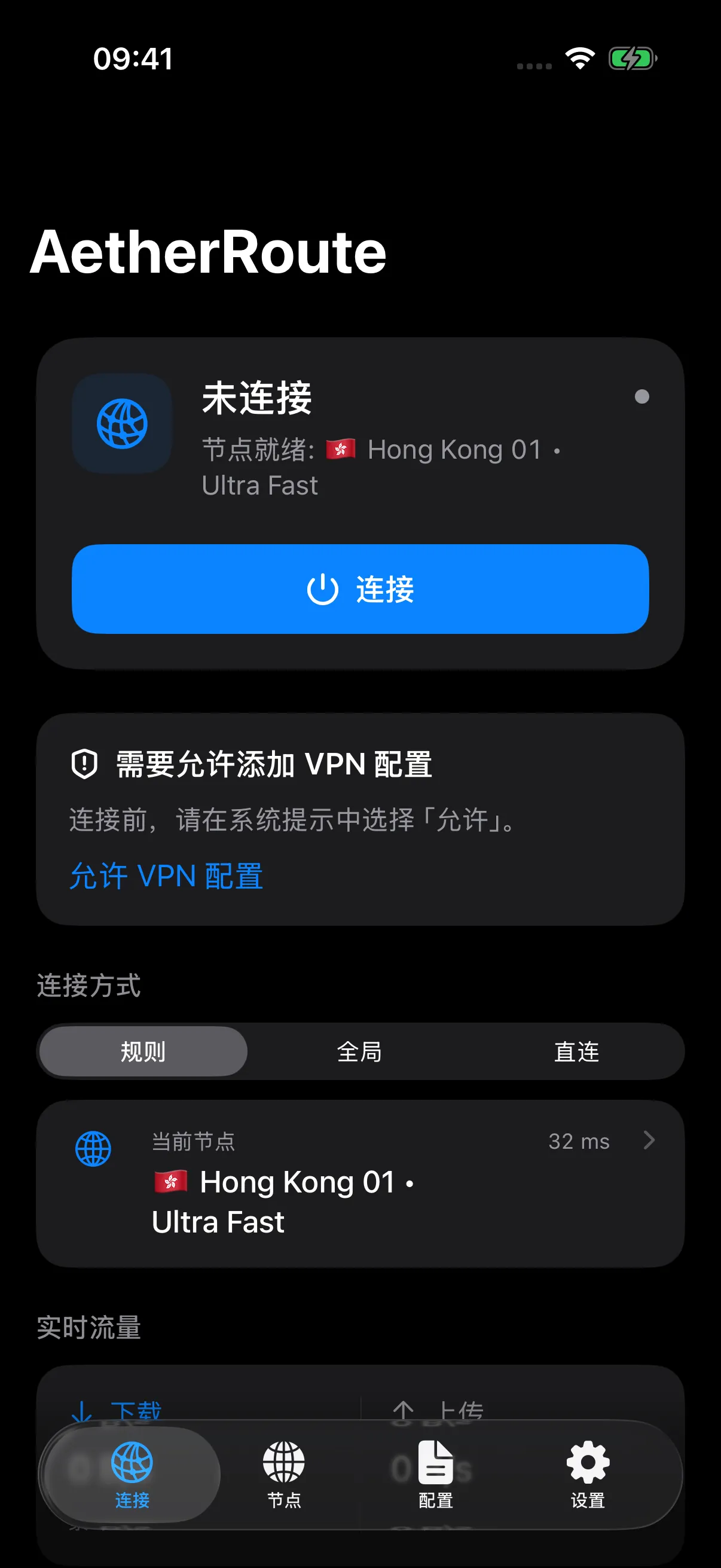
Built for iOS 26 with Swift 6 and SwiftUI. Clear connection status, routing modes and node selection, with system light and dark appearances and Dynamic Type.
Performance in mind. Battery, too.
A native interface meets a Rust networking core with batched tunnel packet processing. UI telemetry polling pauses in the background to reduce unnecessary work.
Room for more control.
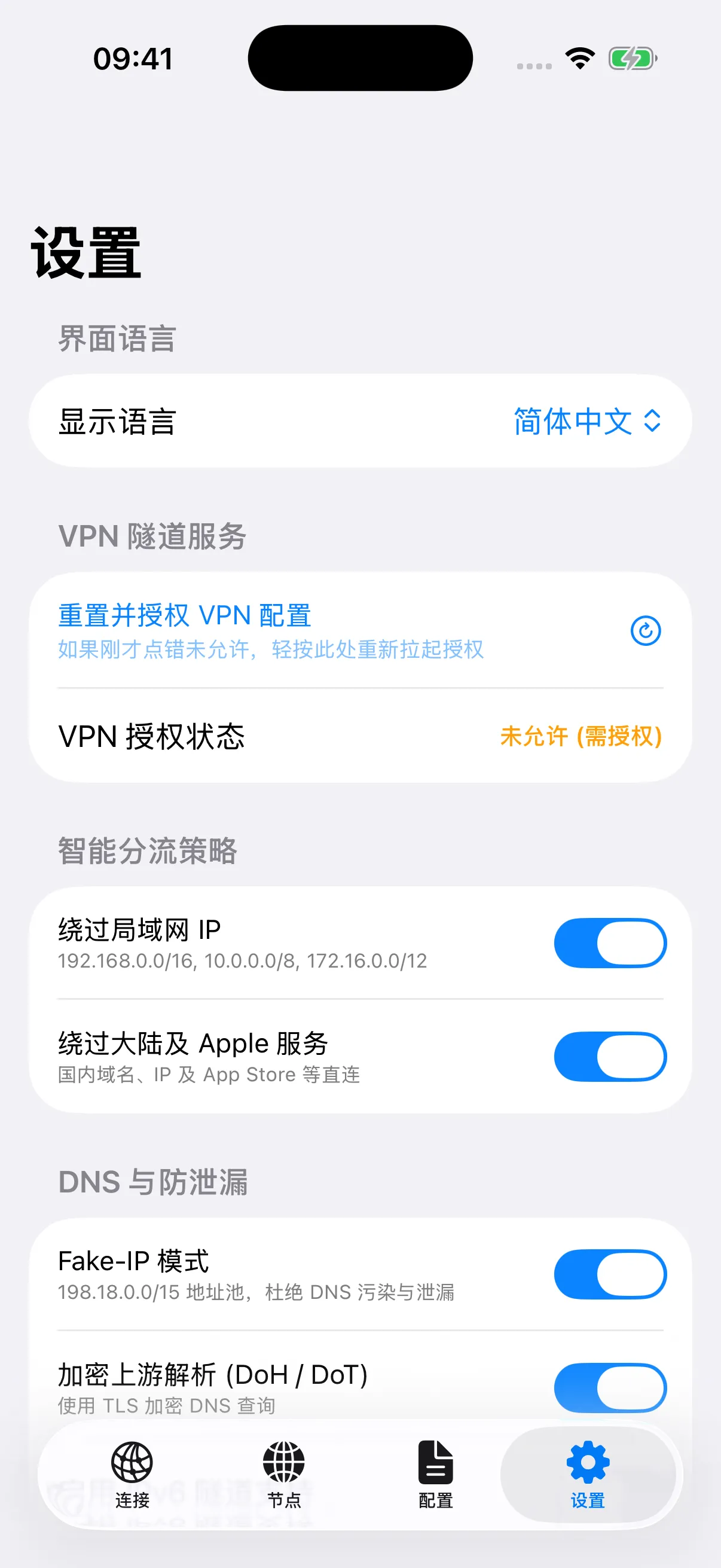
12 proxy protocols, with Rule, Global and Direct routing. Manage subscriptions, select nodes and inspect live traffic, all from your iPhone.
Feels like iPhone. In every view.
Development screenshots · Demo data · Chinese UI
One setup.
Across your devices.
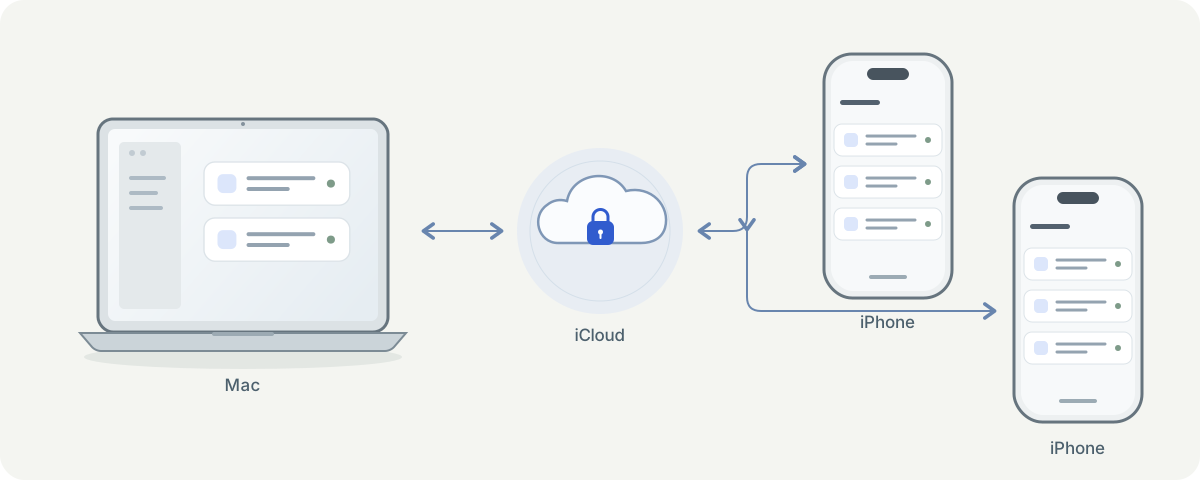
From your Mac to your everyday iPhone and a spare iPhone, iCloud profile sync is designed to share subscriptions and nodes across devices using the same Apple Account. iPhone sync is still being tested and refined; final availability will be confirmed at release.
Shared profiles. Independent connections.
Sync subscription and node profiles while each device controls its own connection and keeps its active profile.
Encrypted before syncing.
Profiles use AES-256-GCM encryption, with keys synchronized through iCloud Keychain.
Merge profiles. Keep your choice.
Existing profiles are merged, while each device can retain its own active profile.
Requires compatible versions on every device, the same Apple Account, iCloud Passwords & Keychain, and sync enabled in each app. Sync timing depends on iCloud and network availability.
Little things. Better every day.
Light and quiet.
A native app built for Apple silicon, with no embedded browser engine.
About 210 MB in total and near-zero CPU in the background: a quiet fan and longer battery life.
Stays connected.
Long AI chats, large uploads and idle connections you come back to are tested before every release.
Connections recover by themselves after sleep or a Wi-Fi change.
Plays well with work Macs.
The default Transparent Proxy mode uses Apple's official Network Extension. It leaves routes and system DNS alone, so it is less likely to clash with a work VPN.
If the app quits or stops unexpectedly, macOS cleans up for you; nothing is left behind to break your internet.
Your subscriptions, encrypted.
Subscription URLs and node passwords are encrypted before they reach the disk, with keys kept in the system Keychain.
No ads, no third-party analytics, and diagnostic reports leave out your addresses and accounts.
Always up to date.
The region and domain databases used for routing are checked weekly and downloaded only when they change, even while connected.
The app itself updates automatically through signed, verified updates.
Bring your connections.
Import a subscription, profile or single node, approve the Network Extension once, then connect.
Even thousands of nodes import in a blink, so you can keep the setup that works for you.
Your protocols. Right at home.
12 proxy protocols, with no extra runtimes. Choose a protocol to explore its capabilities.
VLESSVISION & REALITY
Supports XTLS-Vision flow and REALITY masquerading with uTLS browser fingerprinting for resilient connectivity.
VMessCLASSIC & SECURE
Standard VMess protocol over diverse transport layers with full TLS encryption and dynamic user authentication.
TrojanSTEALTH TLS
Masquerades as standard HTTPS traffic with optional WebSocket and gRPC multiplexing for high stealth.
Hysteria 2UDP & BBR
Customized QUIC/UDP architecture with BBR congestion control, Salamander obfuscation, and port hopping.
TUIC v5NATIVE QUIC
Built directly on IETF QUIC with 0-RTT handshakes and native multiplexing, offering superior packet-loss resistance.
ShadowsocksSS2022 & AEAD
Covers classic AEAD ciphers, Shadowsocks 2022 standards, and ShadowTLS v3 with native full-duplex UDP relay.
ShadowQUICANTI-CENSORSHIP
Combines QUIC transport with symmetric obfuscation to bypass deep packet inspection (DPI) and interference.
WireGuardFULL-MESH VPN
Modern VPN tunnel supporting full IPv4/IPv6 dual-stack routing, custom MTU, and Pre-Shared Key (PSK) hardening.
AnyTLSTLS RESILIENCE
Strips distinctive TLS handshake patterns and statistical fingerprints for stable end-to-end encrypted proxying.
SSH TunnelNATIVE CIPHER
Native SSH proxy tunneling with embedded Ed25519 keys, passphrase support, and strict host key verification.
HTTP / HTTPSSTANDARD CONNECT
Universal HTTP CONNECT and HTTPS forward proxy support, compatible with enterprise gateways and custom relays.
SOCKS5TCP & UDP ASSOCIATE
Standard SOCKS5 implementation with username/password authentication and full UDP Associate relay capabilities.
Native visual node editor
Forget editing raw YAML. All 12 protocols feature native macOS forms with real-time validation.
Universal subscription import
Compatible with Clash YAML profiles, Base64 share links, and safe aetherroute:// one-click imports.
Encrypted backup archives
Export and import .aetherroute archives across Macs, secured by PBKDF2 and AES-256-GCM encryption.
Simple to use. Thoughtful underneath.
From the way you connect to the way you stay private, every detail belongs on your Mac.
Native at heart. Tuned in every detail.
Purpose-built for Apple M-series chips, with optimization at every layer. Native arm64, SwiftUI and a Rust networking core work together, with on-demand updates and batched packet processing to refine responsiveness, resource use and efficiency.
Explore the details
- ARMv8 hardware cryptography: directly invokes Apple silicon's on-chip Cryptography Extensions (hardware AES/SHA/NEON), offloading crypto to dedicated silicon without CPU penalty.
- Unified Memory zero-redundancy: Swift 6 host and Rust protocol engines are statically linked, eliminating IPC socket serialization and redundant buffer copying to maintain a lean ~210MB footprint.
- E-core & kernel sleep scheduling: 100% of threads enter mach_msg2_trap deep kernel sleep when collapsed, eliminating background timers for 0.0% ~ 0.1% idle CPU and all-day endurance.
- Batched packet flushing: coalesces tunnel packet writes with shared protocol headers via NEPacketTunnelFlow, slashing kernel context switches by over 95%.
A direct route to familiar services
Lossless in-memory optimization engine injects domestic direct rules without mutating on-disk profiles.
Explore the details
- Apple CDN line-rate bypass: system updates resolve to authentic domestic Anycast IPs, verified at 34.9 MB/s line-rate.
- Fast domestic DNS: domestic domains resolve via Alibaba low-latency DNS (223.5.5.5), eliminating poison and lookup lag.
- Zero configuration: works out of the box with any standard subscription without editing custom rules.
Transparent Proxy & Direct TUN engines
Embeds two distinct native macOS Network Extensions for seamless everyday browsing and deep terminal routing.
Explore the details
- Transparent Proxy: runs in user space via App Proxy for lightweight streaming without altering system DNS settings.
- Direct TUN: virtual TUN interface captures all TCP/UDP traffic and command-line tools with built-in PacketFlow stack.
- Seamless handover: switch between engines and Rule/Global/Direct modes smoothly with background self-healing watchdogs.
Launch at login, low power & auto-recovery
Engineered around modern macOS background service standards and sleep-wake lifecycle events.
Explore the details
- Launch at login: native ServiceManagement sandboxed service automatically restores previous connection intent on boot.
- On-demand telemetry: menu bar speeds and graphs pause when hidden, eliminating background CPU overhead.
- Anti-oscillation & safe exit: smooth sleep-wake recovery, with clean fail-safe teardown on termination to prevent stalls.
Your privacy. Your control.
Strict privacy boundaries paired with deep observability tools for developers and network engineers.
Explore the details
- Hardware-backed Keychain: credentials and subscription URLs encrypted with AES-GCM; zero plaintext on disk.
- Zero telemetry: no tracking scripts, no SIP disabling required, officially notarized by Apple.
- Route simulator & real latency: inspect rule matching instantly with genuine protocol latency proofs.
Share connections and see status
LAN sharing supports SOCKS5 IPv6 destinations and rebinds its listener when the network interface changes. Choose from 41 consistently sized menu bar icons for Retina and light or dark appearances.
Quietly running. Lightly connected.
Background activity, memory and sustained use measured on Mac. Explore the comparison and test conditions below. These figures do not describe iOS performance.
100% thread sleep via mach_msg2_trap; zero background redraws when collapsed
Host UI (~90MB) + Extension (~120MB); over 60% lighter than Electron apps
Statically linked Rust core & batched packet flushing for line-rate efficiency
300 strict cycles verified; slope < 1MB/h with zero resource or FD leaks
Explore the comparison & test notes
| Benchmark metric | AetherRoute (Native) | Clash Verge (Rev) | Surge Mac (v5) |
|---|---|---|---|
| Tech stack | Swift 6 + SwiftUI + RustPure Swift 6 & Rust, zero Web runtimes | Electron + Chromium + GoChromium browser & Node.js wrapper | AppKit / Swift + C / RustNative macOS architecture |
| System architecture | Standard Network ExtensionUser-space Network Extension, no root helper | Root helper + virtual NICPrivileged root helper & external daemon | Standard Network ExtensionNative Network Extension |
| Apple silicon & hardware | Pure arm64, deeply tunedARMv8 hardware crypto instructions, Unified Memory zero-IPC, E-core deep sleep | Generic cross-platform bundleNo M-chip hardware instruction tuning, IPC memory overhead | Well-tuned native macOSNative macOS architecture, well tuned for Apple silicon |
| Host idle CPU | 0.0% ~ 0.1%100% thread sleep (mach_msg2_trap) | 5% ~ 15%Chromium pipeline & timer overhead | < 0.5% (0.0% ~ 0.2%)Optimized deep sleep scheduling |
| Total memory footprint | ~210 MBUI ~90MB, data plane ~120MB | 500 MB ~ 800 MB+Chromium multi-process + Go runtime | ~110 MB ~ 170 MBCompact C/ObjC memory layout |
| Throughput CPU | 0.7% ~ 1.7%Batched packet writes reduce 95% switches | 2.5% ~ 5.0%Go GC overhead & IPC penalty | 0.5% ~ 1.2%Highly optimized C data plane |
| 10h soak & stability | 0.6 MB/h slope (flat, no leaks)300-cycle soak tested, 0 leaks, auto-healing | Occasional delayed releaseSubject to browser & Go GC cycles | Industrial-grade stabilityActive socket state-machine tracking |
* Benchmark metrics gathered on Apple silicon Macs during a 10-hour, 300-cycle continuous production soak test and Tart VM matrix regressions under standardized network loads.
All the control.
Right where you need it.
Keep everyday connections effortless.
Fine-tune things when you want to.
When can I download the iOS app?
The iPhone app is coming soon. Some features are still being tested and refined, and public downloads are not yet available. Timing and download details will be announced here. Screenshots and features are development previews and may change before release.
How do profiles sync across Mac and multiple iPhones?
Sign in to the same Apple Account on your Mac and each iPhone, enable iCloud Passwords & Keychain, and turn on sync in each app. Upload existing profiles, then pull and merge them on other devices. Connections and active profiles remain independent. iPhone sync is still in testing; availability will be announced with the release.
I'm not technical. Why choose AetherRoute?
In short: (1) Lighter: a native app with no browser engine, about 210 MB in total and near-zero background CPU. (2) Steadier: long AI chats, large uploads and idle connections are tested on virtual and real Macs before every release. (3) Cleaner: the default mode leaves system routes and DNS alone, and macOS cleans up after it quits. (4) Safer: subscription URLs and node passwords are stored encrypted, with no ads or third-party analytics.
Transparent Proxy or TUN — which should I pick?
Most people should keep the default, Transparent Proxy. It is lighter, leaves system network settings alone, coexists better with work VPNs, and covers browsers, AI apps and command-line tools. Switch to TUN only when you need DNS protection with Fake-IP or need to capture unusual traffic such as ping. You can switch at any time from the menu bar.
Will my connection drop out of nowhere?
Every real-world drop we've seen became a required pre-release check: reusing a connection after 50 seconds idle, uploading requests over 2 MB (such as long AI coding contexts), and opening sites whose addresses are tampered with. Each stable release must pass on a virtual-machine network matrix and a physical Mac. It also reconnects by itself after sleep or a Wi-Fi or Ethernet change.
Could it mess up my Mac's network?
Nothing is left behind. AetherRoute uses only Apple's official Network Extension, installs no root helper and does not change system proxy settings. The default Transparent Proxy mode leaves routes and DNS alone, and when you disconnect, quit or the app stops unexpectedly, macOS takes everything back and your network returns to normal.
How does AetherRoute compare with Clash Verge and Surge in performance?
Thanks to pure Swift 6 and statically linked Rust protocol engines, AetherRoute consumes over 60% less memory than Electron apps like Clash Verge (around 210MB vs 500MB~800MB+) and eliminates Chromium background wakeups, achieving 0.0% ~ 0.1% background idle CPU via mach_msg2_trap. Its throughput efficiency and sandbox safety rival Surge Mac, without requiring privileged root helpers.
What low-level optimizations are tailored for Apple silicon?
AetherRoute is built 100% natively as pure arm64 with zero Rosetta 2 translation overhead or memory penalty. It takes deep advantage of Apple silicon hardware: (1) harnesses ARMv8 Cryptography Extensions (hardware AES/SHA instructions) directly in silicon for line-rate encryption without CPU bottlenecks; (2) leverages Apple Unified Memory with static core linkage to eliminate IPC serialization and duplicate memory copying; (3) integrates with efficiency-core scheduling, placing 100% of threads into mach_msg2_trap deep kernel sleep when collapsed for 0.0% ~ 0.1% idle CPU and all-day battery life; (4) uses NEPacketTunnelFlow batched packet coalescing to cut kernel context switches by over 95%.
Connect your way: Transparent Proxy vs Direct TUN
AetherRoute embeds Transparent Proxy (App Proxy) and Direct TUN engines, both supporting Rule, Global, and Direct modes. Transparent Proxy is lightweight and keeps macOS DNS authoritative; Direct TUN captures all TCP/UDP traffic and command-line tools with built-in Fake-IP.
Supported protocols and import formats
AetherRoute natively supports 12 modern protocols: VLESS (XTLS-Vision, REALITY, uTLS), VMess, Trojan, Hysteria 2, TUIC v5, Shadowsocks (SS2022, ShadowTLS v3), ShadowQUIC, WireGuard, AnyTLS, SSH Tunnel, HTTP/HTTPS, and SOCKS5. It supports Clash YAML subscriptions, Base64 share links, safe aetherroute:// URL imports, native visual editing, and encrypted .aetherroute backups.
How 1.0.18 zero-config domestic and Apple acceleration works
1.0.18 introduces a lossless in-memory optimization engine. Without mutating on-disk profiles, it injects domestic direct rules and fast domestic DNS (223.5.5.5) at runtime. Critical Apple domains (swcdn.apple.com, etc.) bypass Fake-IP and resolve directly to authentic domestic Anycast IPs, verified at 34.9 MB/s line-rate throughput.
Launch at login, sleep-wake, and network switching stability
AetherRoute uses native ServiceManagement APIs for sandboxed launch at login. It remembers user connection intent across reboot and sleep-wake, features anti-oscillation recovery during Wi-Fi/Ethernet handovers, and performs clean fail-safe teardown upon termination.
See connections clearly with layered latency testing
Inspect live connections, rates, transferred bytes, and matched rule chains. Latency testing uses explicit layered semantics: fast concurrent TCP reachability sweeps plus genuine protocol-level handshakes. Includes an interactive route simulator and terminal proxy export shortcuts.
Why Reduced Security and disabling SIP are not required
AetherRoute is built 100% on Apple's modern user-space Network Extension APIs. It requires no kernel extensions (kexts), no disabling of SIP, and no Reduced Security mode. It is Developer ID signed and Apple double-notarized for security compliance.
What do I need to get started?
You need an Apple silicon Mac running macOS 15 or later and your own subscription or nodes. Install the app, import your profile, approve the Network Extension when prompted, and connect.
Is it free? Are servers included?
The client is free to use without paid activation. Servers and subscription services are not included; bring your own.

AetherRoute for Mac & iPhone
Make connecting simple again.
Mac available · iPhone coming soon · Bring your own nodes
Community
How has your experience been?
No sign-in needed. Share your experience.
Community rating
—/ 5
Loading…
One like and rating per browser. You can change them anytime.
No published comments yet. Be the first to share your experience.
Community comments
Newest first · Replies grouped by topic