Native archives · Clean sharing
Your files,ready to travel.
Drop in your files to compress, encrypt or extract.
Native glass controls and Finder actions keep every step within reach.
macOS 26 or later · Apple silicon M-series only
Likes, ratings & anonymous comments ↓Version 1.0.2 fixes batch output conflicts, selective extraction and folder flattening, and improves split RAR / ZIP / 7z handling and preview/export cleanup. Includes English, Chinese and in-app updates. RAR extraction only.
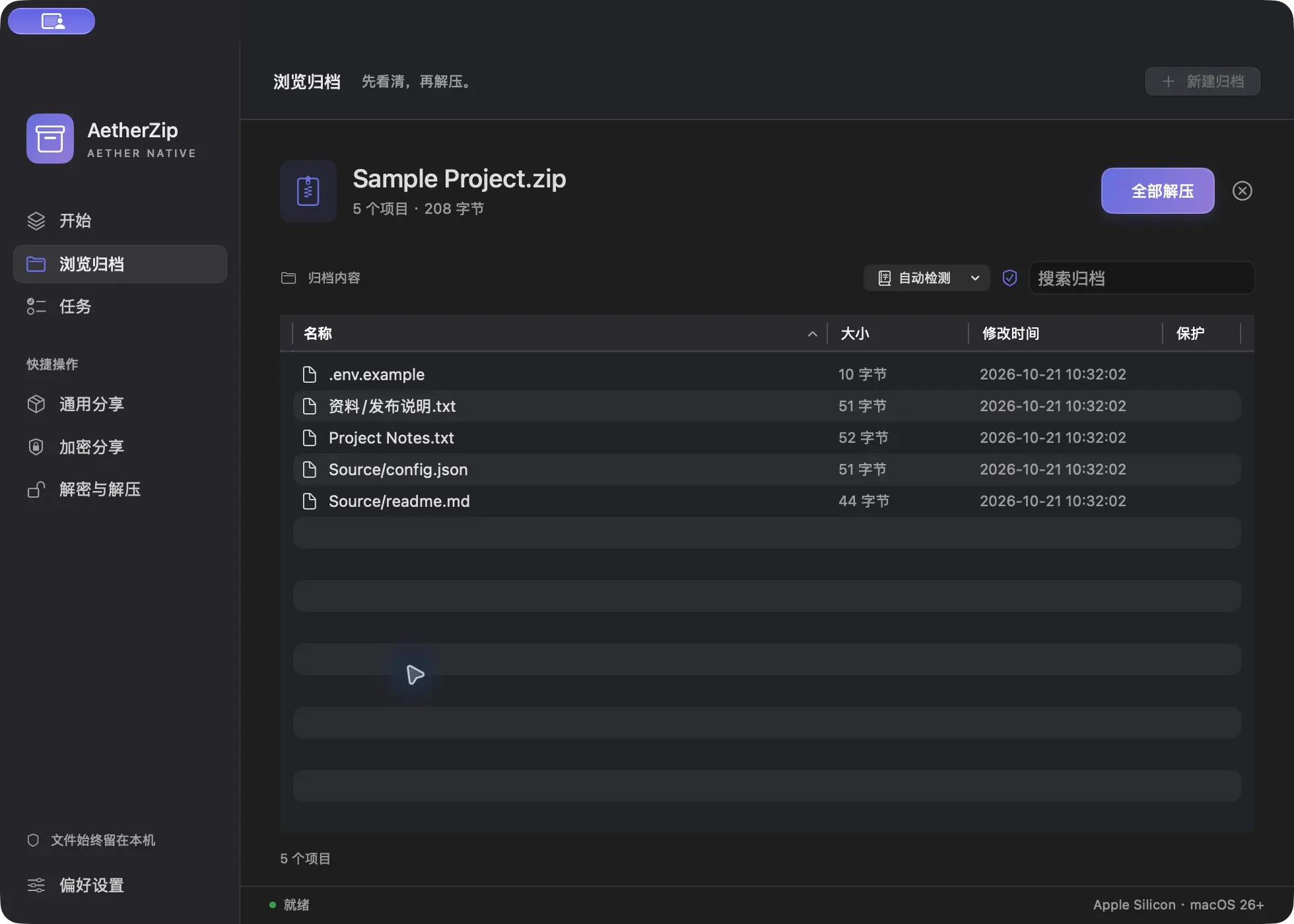

From packing to opening, naturally.
Everyday controls within reach, with extra options when you need them.
Familiar formats in one place
Create ZIP, 7z, TAR, TAR.GZ, TAR.XZ and TAR.BZ2; extract RAR/RAR5 and Zstandard; browse archives and extract selected files.
Share without the clutter
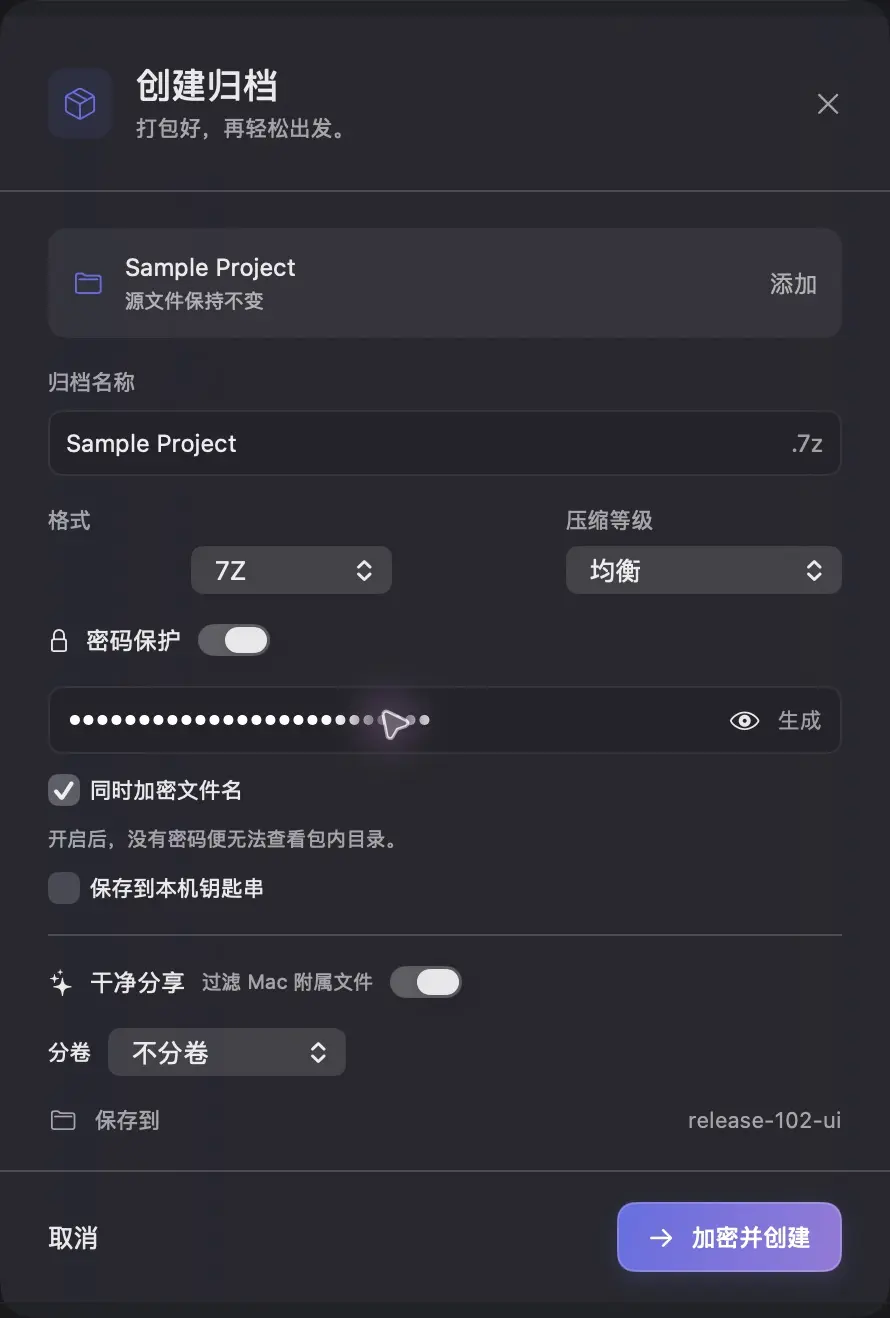
Filters __MACOSX, .DS_Store and AppleDouble metadata by default while preserving real hidden files. Source files stay unchanged and existing outputs are not overwritten.
Put a lock on your files
ZIP AES and 7z password protection, with optional hidden filenames in 7z. Passwords stay local. Open and extract encrypted archives with their password; password recovery is not included.
Start right in Finder
Finder services and quick actions support compression, encryption and extraction. Follow real progress, pause, resume or cancel. Normal app exit waits for active operations to clean up temporary files.
Tidy up after the job
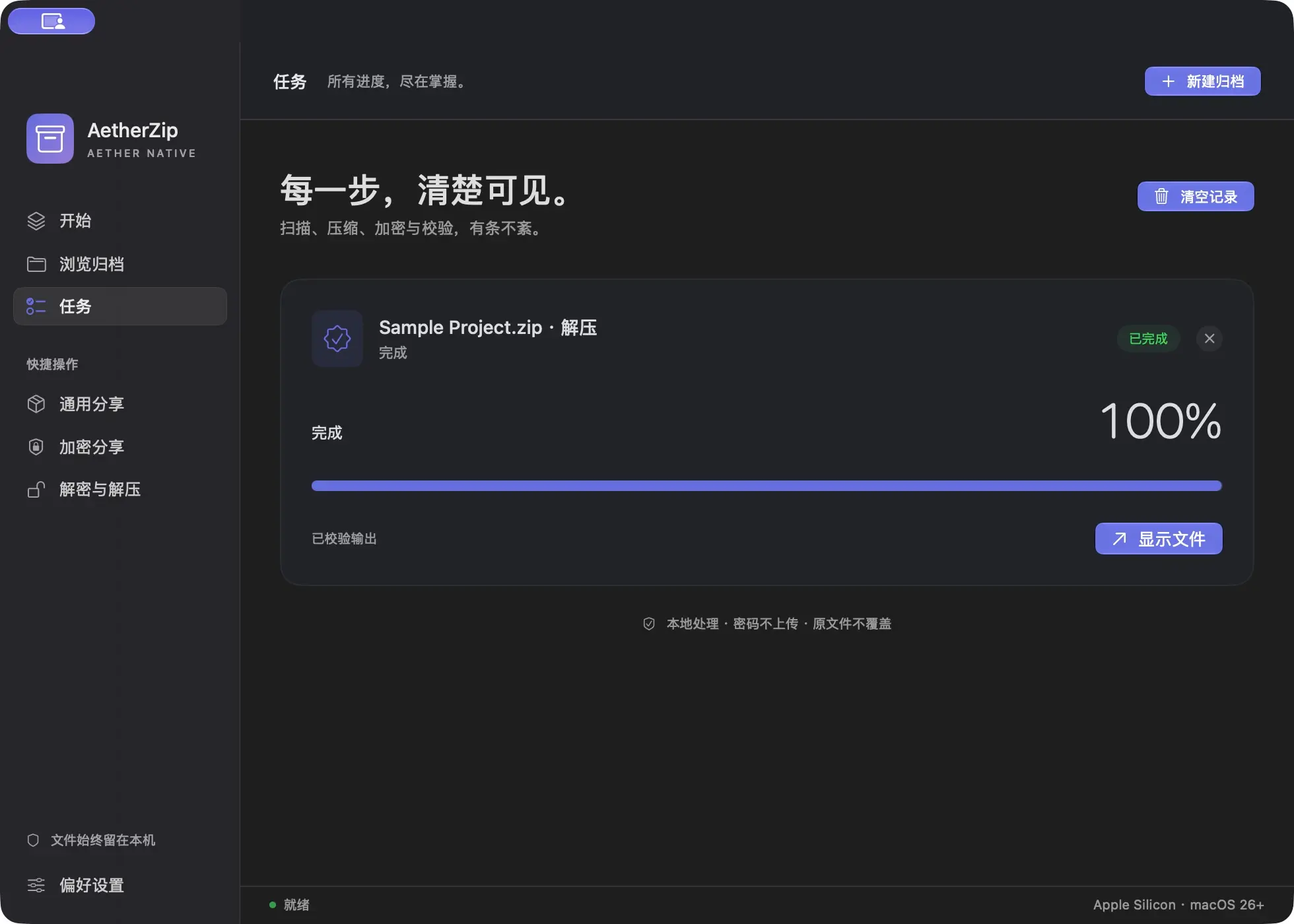
Follow progress in Tasks, remove individual finished entries or clear them together. History is capped at 50 entries, pruning the oldest completed records.
Can Windows and Linux recipients open the archive?
Verified Windows plain ZIP and 7-Zip encrypted archives, plus TAR, TAR.GZ, TAR.XZ and TAR.BZ2 round trips with GNU tar on Linux. AES ZIP, 7z and split archives require a compatible extraction tool; not every built-in archive utility supports encrypted ZIP.
Can it handle multi-GB files?
Round-trip checks passed for a 4 GiB random file, 8 GiB of repeated logs and 10,000 files. Performance varies by format, content and device. Compressed TAR browsing and extraction require extra temporary disk space.
Does clean sharing preserve Mac resource forks?
Clean sharing is intended for ordinary file distribution, not full Mac metadata backups. Use a dedicated backup tool when resource forks and extended attributes must be preserved.
AetherZip for Mac
Experience AetherZip.
Local processing · macOS 26+ · Apple silicon
Community
How has your experience been?
No sign-in needed. Share your experience.
Community rating
—/ 5
Loading…
One like and rating per browser. You can change them anytime.
No published comments yet. Be the first to share your experience.
Community comments
Newest first · Replies grouped by topic